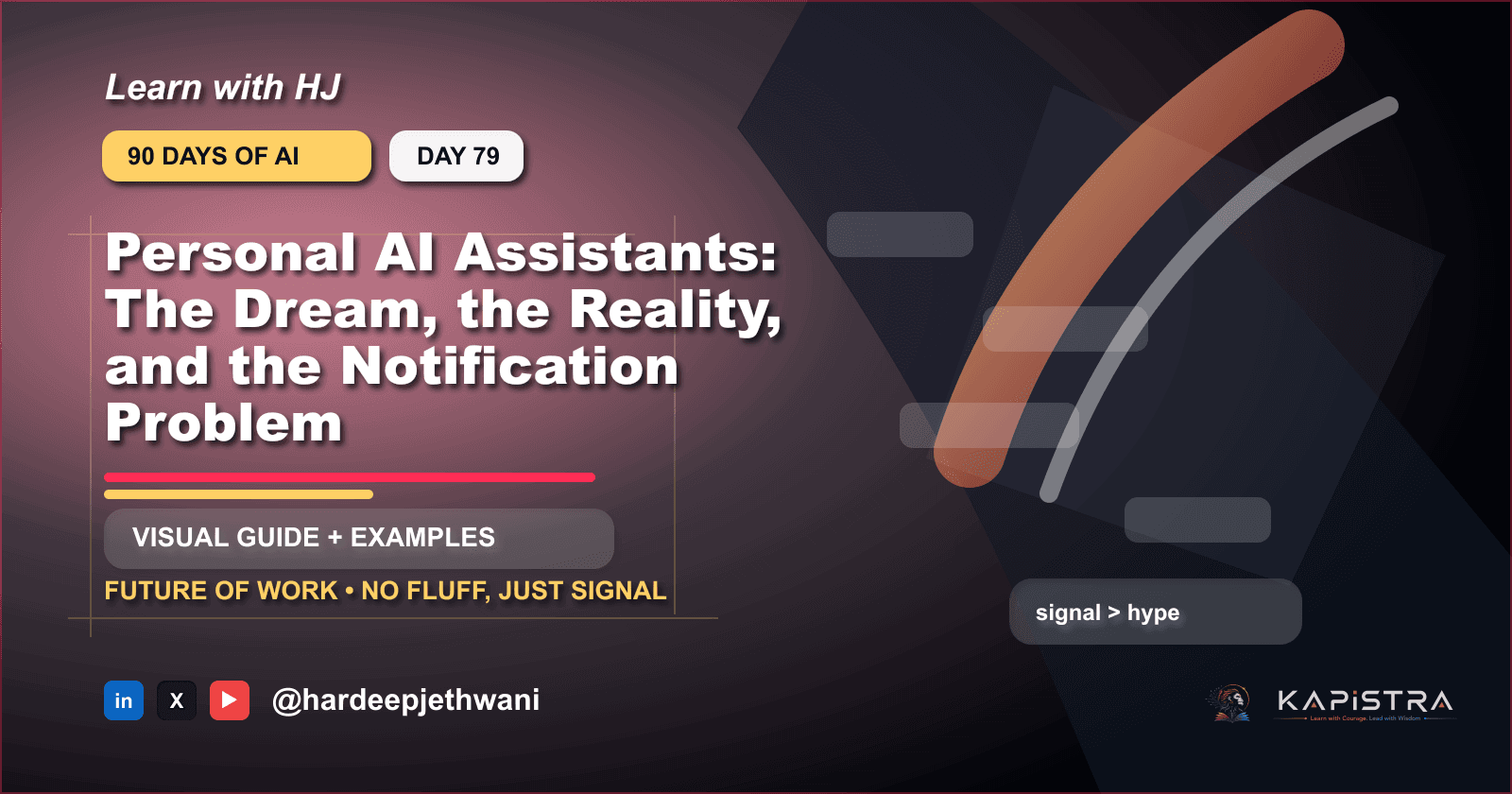
Personal AI Assistants: The Dream, the Reality, and the Notification Problem
Discuss personal agents for email, calendar, research, shopping, and boundaries.
Hey there! 👋 I'm Hardeep Jethwani (HJ), your resident cloud aficionado and code maestro, proudly navigating the ever-changing seas of AWS Cloud and Full Stack Development for ~5 glorious years and counting. ☁️💻
Currently, I'm orchestrating the tech symphony as part of Team HSBC Bank, where I'm on a mission to enhance the banking experience through the magic of technology. 🚀💼
In my past life at Capgemini, I led exciting adventures like migrating critical applications to the cloud (18 and counting!). I had databases waltzing into the AWS Cloud, sprinkling a bit of containerization magic along the way. AWS managed services like RDS, Lambda, ECS, and friends? They were my trusty sidekicks. 🎩🔧
When not automating deployments with CI/CD finesse (think AWS CodePipeline, CodeBuild, and CodeDeploy), you might find me designing infrastructure like a digital architect using AWS CloudFormation. Security is my jam – I've got WAF, Security Groups, MFA, Cognito, and even a secret club in private subnets to keep things safe. 🔒💂♂️
On top of all that, I'm on a mission to reduce carbon footprints because, why not? HSBC's commitment to sustainability is my heart and soul. We're going for NET ZERO carbon footprint, and I'm leading the charge, one container at a time! 🌍🌱
And yes, the fun doesn't stop at work. In my past life at Tata Consultancy Services, I co-created a multi-tier Point of Sale application with a global footprint, touching the lives of billions. My automation tools were so efficient that even Father Time was left scratching his head. ⏳💡
If you're in need of a cloud-savvy comedian or a code deployment magician, look no further. Let's chat about tech, swap automation tales, or share some coding humor over a virtual coffee. Oh, and don't worry; I promise not to write code in my sleep (well, most of the time). Cheers to cloud adventures! ☕🚀
🚀 Personal AI Assistants: The Dream, the Reality, and the Notification Problem

👋 Welcome to Day 79 of 90 Days of AI.
🎯 Today we are tackling Personal AI Assistants: The Dream, the Reality, and the Notification Problem.
The mission is simple: understand the idea, see where it is useful, avoid the shiny-demo trap, and leave with something practical you can try.
🧪 No lab coat required. No buzzword fog machine. Just the useful stuff.
⚡ The 30-second version
Discuss personal agents for email, calendar, research, shopping, and boundaries.
Here is the plain-English version:
Personal AI Assistants: The Dream, the Reality, and the Notification Problem is worth learning because it changes how people build, automate, create, decide, or work with AI systems.
The trick is not memorizing vocabulary. The trick is knowing:
- what problem it solves,
- what input it needs,
- what output it produces,
- where it fails,
- and how to verify the result before trusting it.
That last part matters. AI confidence can look very polished while being completely wrong. Basically, a PowerPoint slide with better posture.
🔥 Why this topic matters now
The future of work is less about replacing everyone and more about redesigning who does what.
AI is moving from chat window to workflow layer.
That means the interesting question is no longer:
Can AI answer this?
The better question is:
Can AI help complete this workflow safely, repeatably, and with less human busywork?
For Future of Work, this matters because the winners will not be the people who use the fanciest tool once. The winners will be the people who turn the idea into a repeatable system.
🧠 The core mental model

Use this four-step frame:
- Delegate - understand the job before asking AI to do anything.
- Review - give the model the right context or source material.
- Approve - let AI generate, transform, search, plan, or assist.
- Improve - validate before the output touches anything important.
That final step is where many AI demos go to become cautionary tales.
🧒 A noob-friendly explanation
Imagine you hired a very fast assistant.
This assistant has read a shocking amount of text, knows many patterns, and can produce a useful first draft quickly.
But the assistant has three quirks:
- it may not know your exact situation,
- it may sound confident even when uncertain,
- and it needs clear instructions or it starts improvising like a meeting with no agenda.
So your job is not to worship the assistant.
Your job is to manage the workflow.
For this topic, that means:
- define the task,
- provide the right context,
- ask for a specific output,
- check the result,
- and improve the loop.
That is practical AI. Less sparkle, more systems thinking.
🌍 Where this shows up in real life
Use it to understand what AI can actually do, where it fails, and how to design better workflows around it.
Common places you will see this:
- internal productivity tools,
- developer workflows,
- customer support,
- content creation,
- research and analysis,
- business operations,
- education and training,
- and automation pipelines.
The pattern is usually the same:
messy input -> AI assistance -> structured output -> validation -> human or system action
If you remember that pattern, half the AI landscape becomes easier to understand.
🛠️ Practical example
Here is a small hands-on example related to this topic:
Mini lab:
1. Pick one workflow related to "Personal AI Assistants: The Dream, the Reality, and the Notification Problem".
2. Write the current manual steps.
3. Mark which steps need judgment and which are repetitive.
4. Let AI draft only the repetitive parts.
5. Add a human review checkpoint before anything important happens.
This example is intentionally simple.
Simple examples are underrated. They let you understand the moving parts before the enterprise architecture arrives wearing a blazer.
✍️ A better prompt to use
Try this prompt pattern:
You are helping me understand and apply: Personal AI Assistants: The Dream, the Reality, and the Notification Problem

Goal:
Explain the topic in beginner-friendly language and show how to use it in a practical workflow.

Context:
Audience: beginners and builders
Use case: <describe your real workflow here>

Constraints:
- Use simple language.
- Give one practical example.
- Mention common mistakes.
- Include a validation checklist.
- Do not overhype the topic.

Output:
Markdown with headings, bullet points, and one example.
This works because it gives the model a job, context, constraints, and a format.
Without that, you may get a dramatic essay that sounds useful until you try to implement it.
⚠️ Common mistakes
Watch out for these:
- Mistaking a demo for a system. A demo can impress people. A system survives Monday morning.
- Skipping validation. AI output should be checked, especially if it affects users, money, security, health, or reputation.
- Using vague prompts. Vague input creates vague output with confident eyebrows.
- Ignoring data quality. If the input is messy, the output may become professionally formatted nonsense.
- Automating too much too soon. Start with assistive workflows before handing over the steering wheel.
The goal is not to avoid AI.
The goal is to use it like a builder instead of a gambler with Wi-Fi.
✅ Quick checklist
Before using this in a real workflow, ask:
- What exact task should AI help with?
- What context does it need?
- What should the output look like?
- How will we verify the output?
- What can go wrong?
- Who approves the final result?
- What data should not be sent to the model?
- What metric tells us this is actually useful?
If you can answer those questions, you are not just using AI.
You are designing an AI workflow.
🔑 Keywords to remember
personal AI assistant, AI agents, productivity AI
Do not memorize these like exam flashcards.
Use them as search handles. When you see these terms in tools, docs, or product announcements, you will know what mental bucket they belong to.
🎁 Final takeaway
The big idea behind Personal AI Assistants: The Dream, the Reality, and the Notification Problem is not hype.
It is leverage.
AI becomes useful when you connect it to a real workflow, give it the right context, and validate the result before trusting it.
Use this formula:
clear task + useful context + AI assistance + validation = practical value
That is the difference between a toy demo and something people come back to every day.
And that is how beginners become dangerous in the good way: not by knowing every model name, but by understanding the patterns underneath.
Tomorrow: AI for Research: Literature Reviews Without Drowning in PDFs.
🏷️ Hashtags
#AI #GenerativeAI #AgenticAI #AIBuilders #LearningInPublic #90DaysOfAI #FutureOfWork #PersonalAIAssistant #AIAgents #ProductivityAI